
Mobile
Adding Custom Locations for iOS Simulator Testing
July 22nd, 2014
A quick tip showing how to add custom locations to your app for testing CLLocation services in the iOS simulator.
Steve McCoole
Many of us Java developers have been curious about being able to develop native android app using groovy for a long time. This topic has been discussed in stackoverflow for years. In GR8Conf Europe this year, Cédric Champeau showed Groovy Support for Android starting Groovy 2.4. In this post we will build a simple Android app using groovy.
Create a new Android app using Android Studio (0.8.6 was the latest version at the time of writing). 
Edit the “build.gradle” of your “app” module and add the following:
buildscript {
    repositories {
        jcenter()
    }
    dependencies {
        classpath 'com.android.tools.build:gradle:0.12.2'
        classpath 'me.champeau.gradle:gradle-groovy-android-plugin:0.3.0'
    }
}

apply plugin: 'com.android.application'

apply plugin: 'me.champeau.gradle.groovy-android'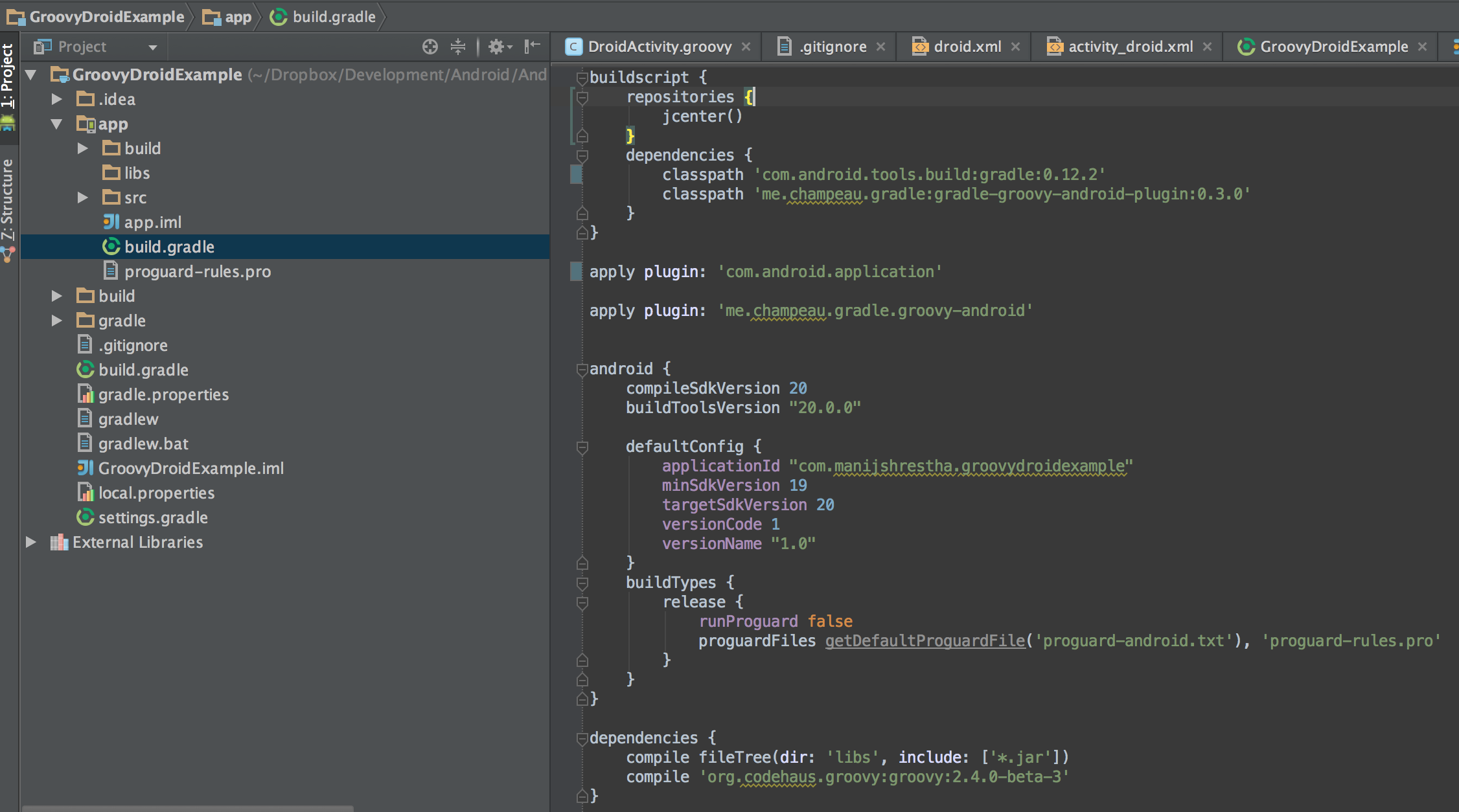
You will need to add groovy as a dependency as well.
dependencies {
    compile fileTree(dir: 'libs', include: ['*.jar'])
    compile 'org.codehaus.groovy:groovy:2.4.0-beta-3'
}
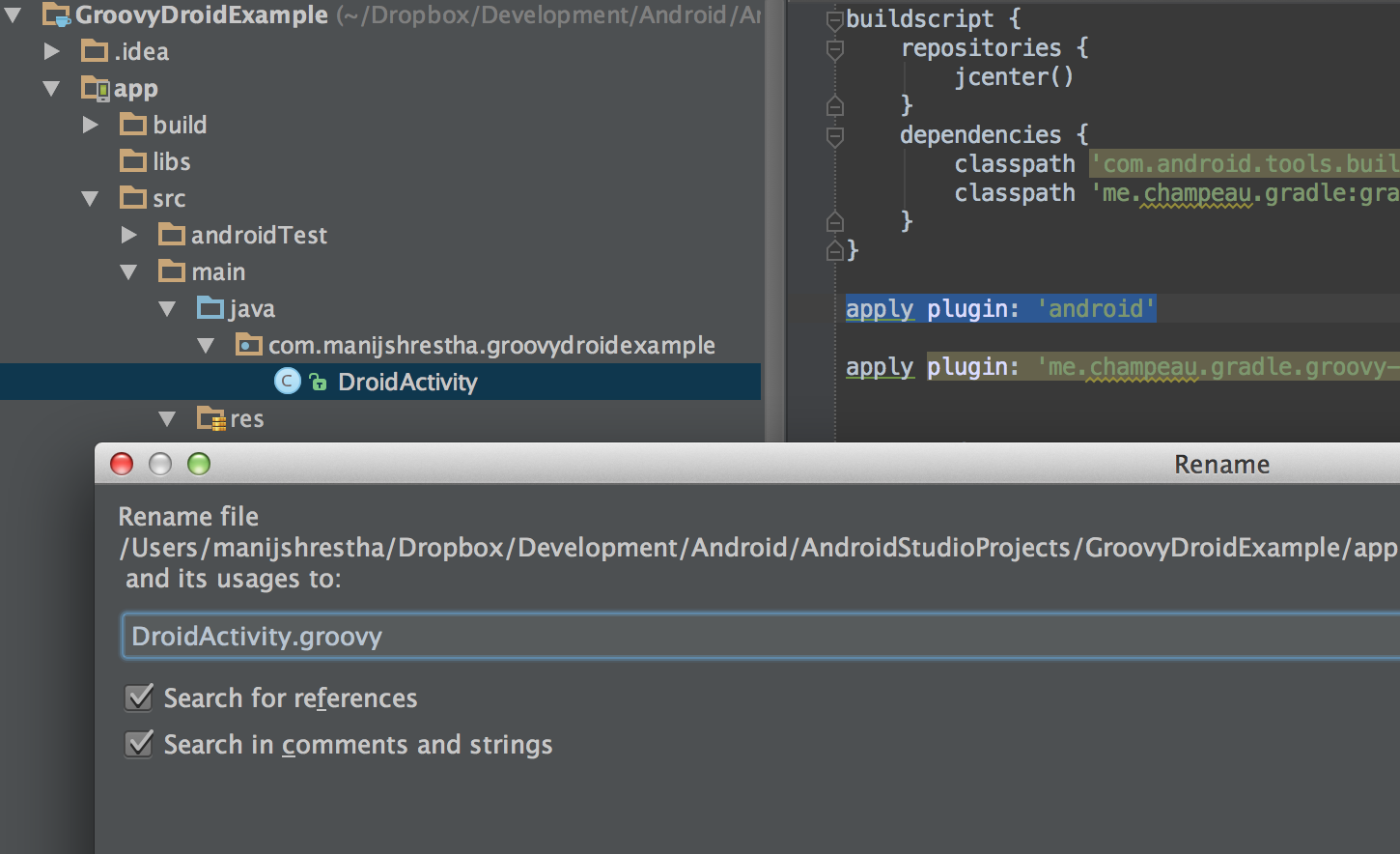
With these changes you now can start using groovy. Let’s rename the Activity “.java” to “.groovy” file. Here is the content of the activity file that is written in groovy
package com.manijshrestha.groovydroidexample

import android.app.Activity
import android.os.Bundle
import android.widget.TextView
import groovy.transform.CompileStatic

@CompileStatic
public class DroidActivity extends Activity {

    @Override
    protected void onCreate(Bundle savedInstanceState) {
        super.onCreate(savedInstanceState);
        setContentView(R.layout.activity_droid);

        String messageText = "Hello Groovy!";
        def message = findViewById(R.id.message) as TextView
        message.text = messageText;
    }

}
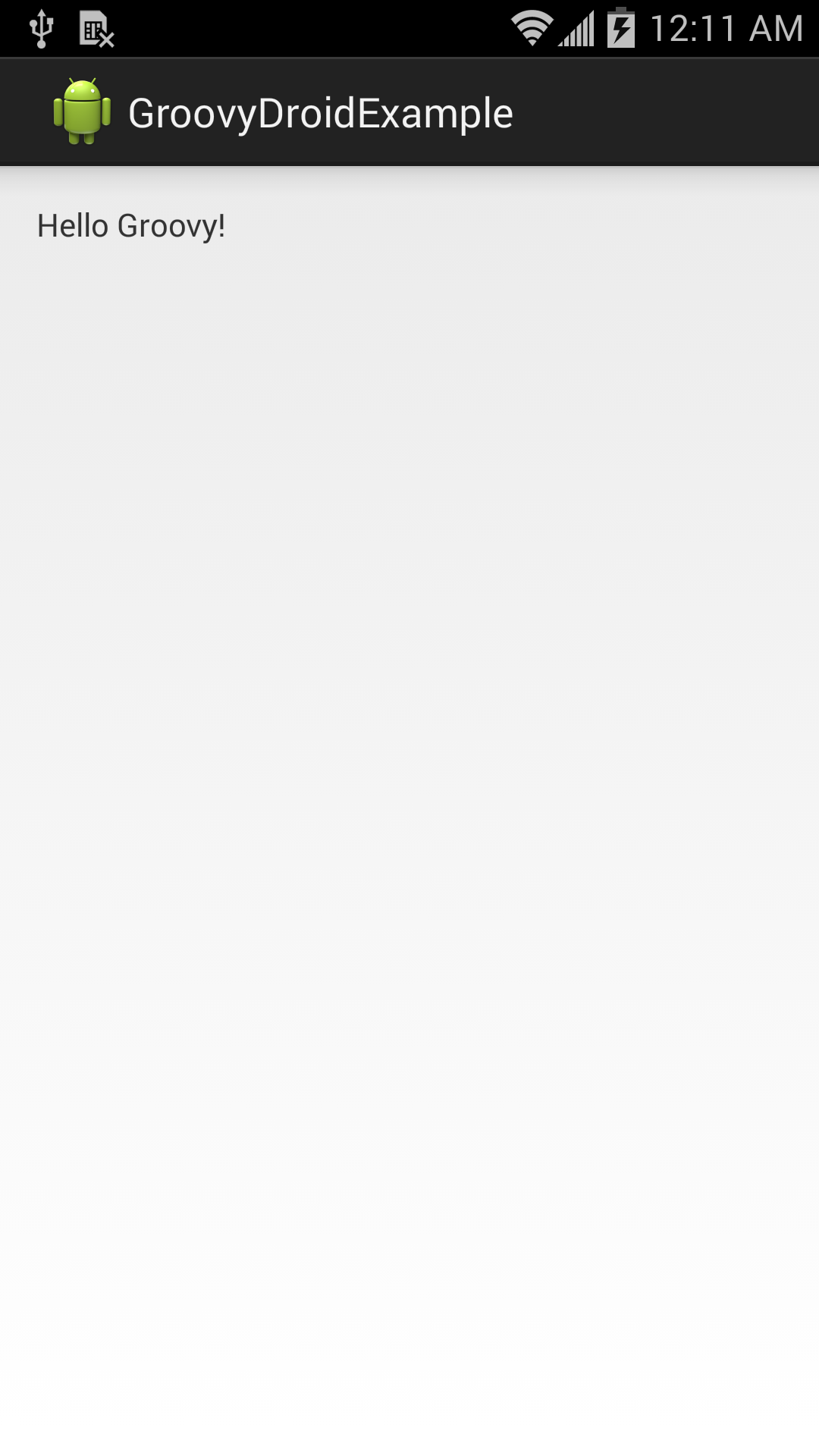
You can build and deploy the app on your device.
You can checkout the project in github. https://github.com/manijshrestha/GroovyDroidExample
A quick tip showing how to add custom locations to your app for testing CLLocation services in the iOS simulator.
CocoaPods is the dependency manager we use at Object Partners to integrate open source iOS libraries. We also use it to manage private libraries for our iOS apps.
A review a presentation about iOS 7s Sprite Kit API.
Insert bio here


